
Generate
Create from a prompt or reference image.
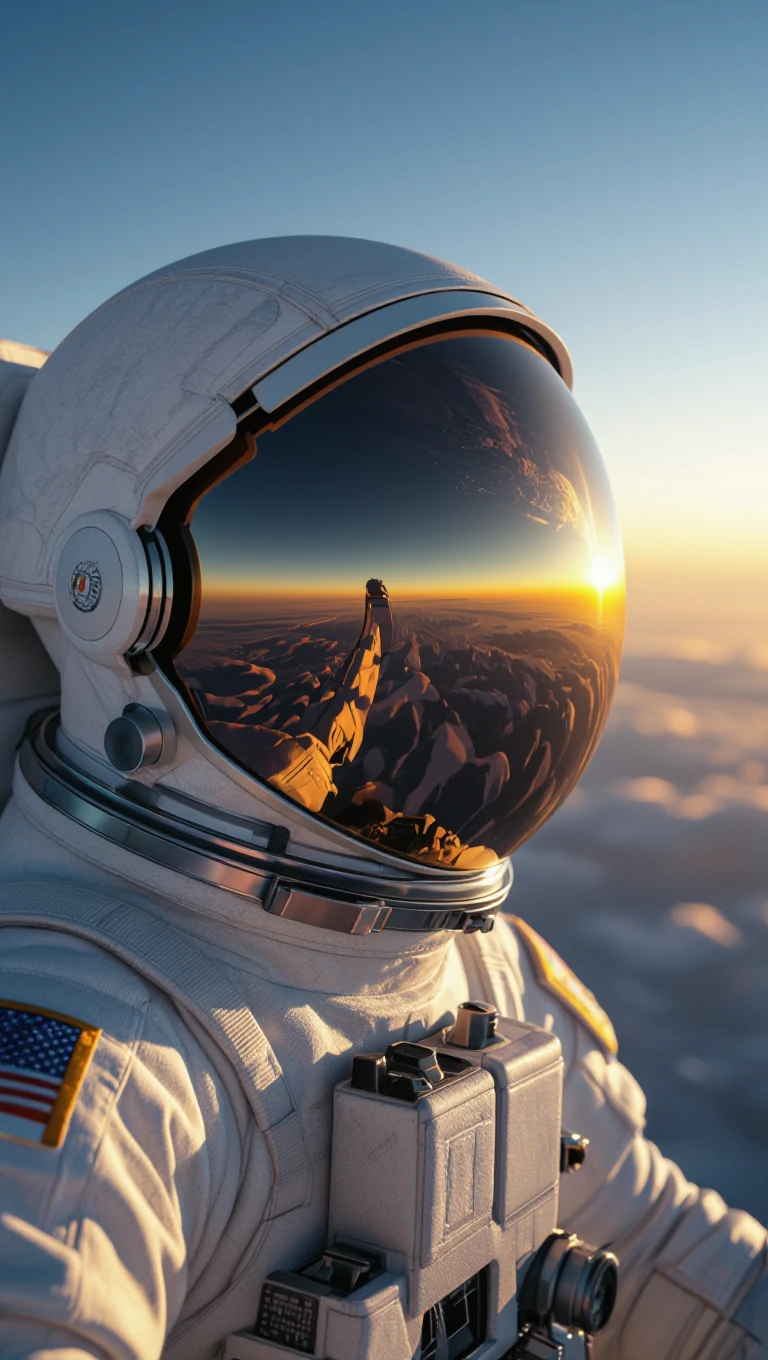
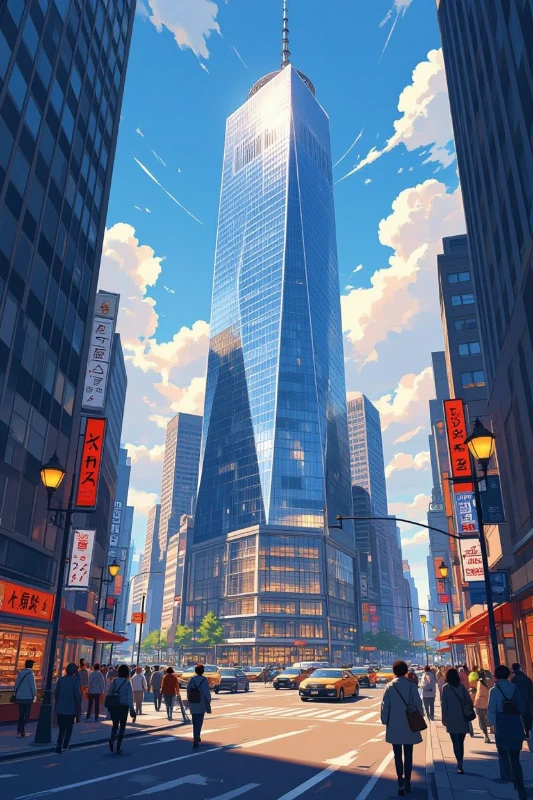
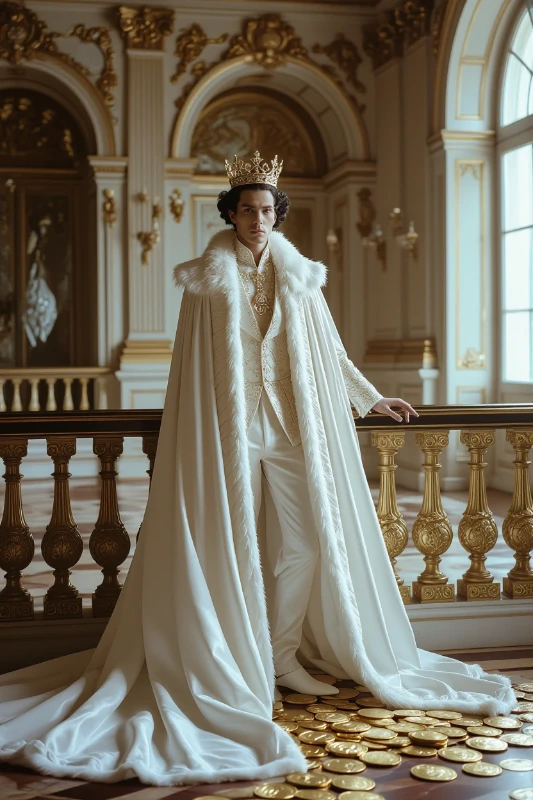
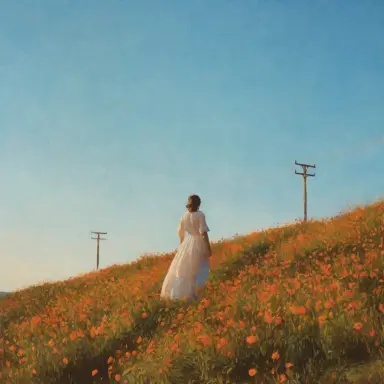
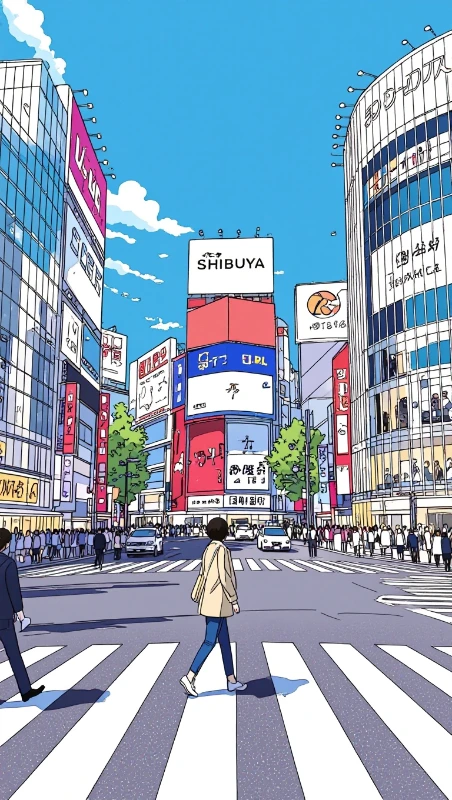
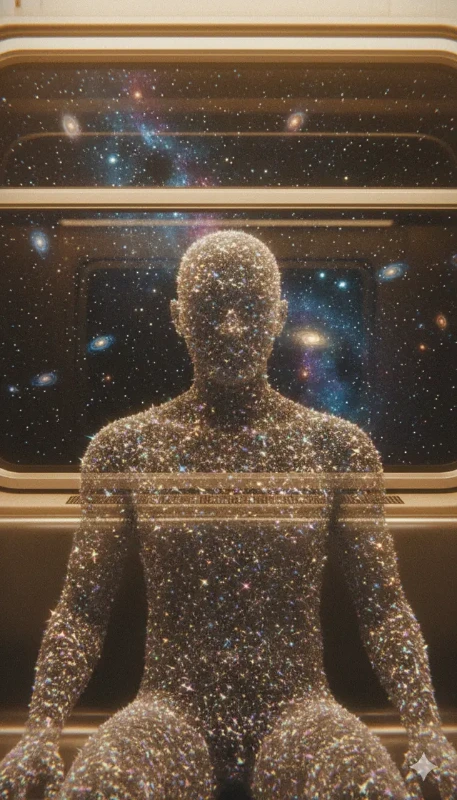
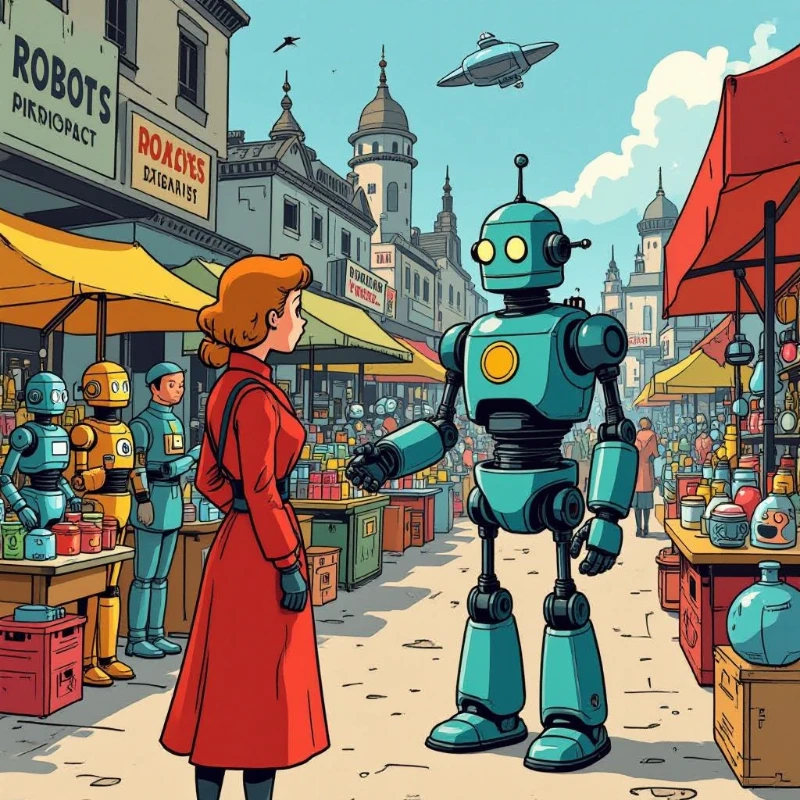
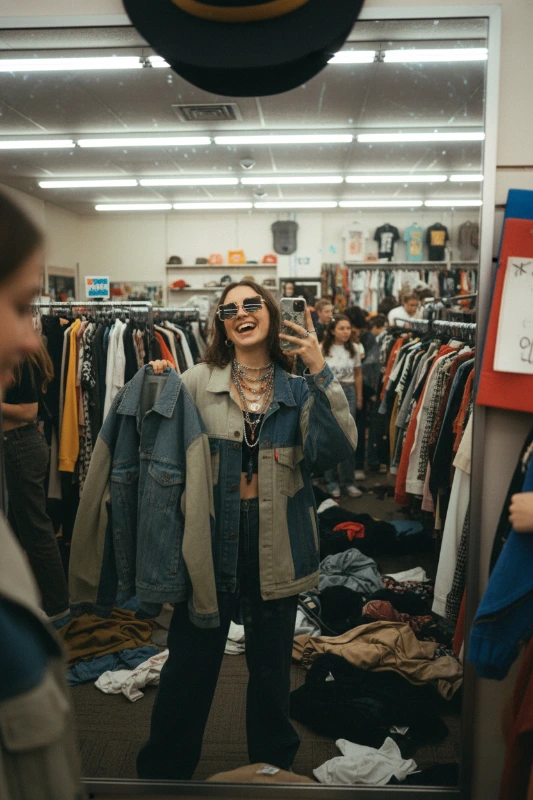
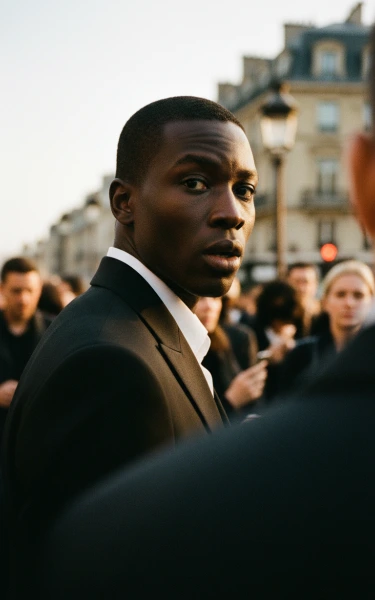
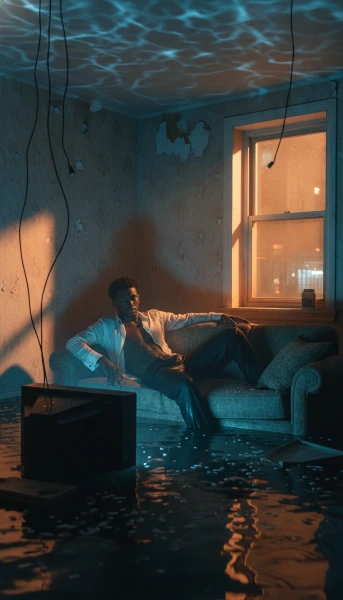
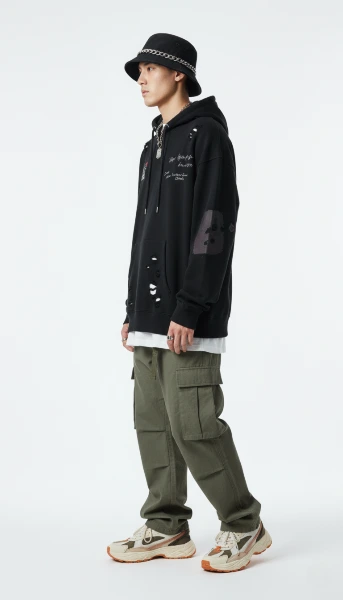
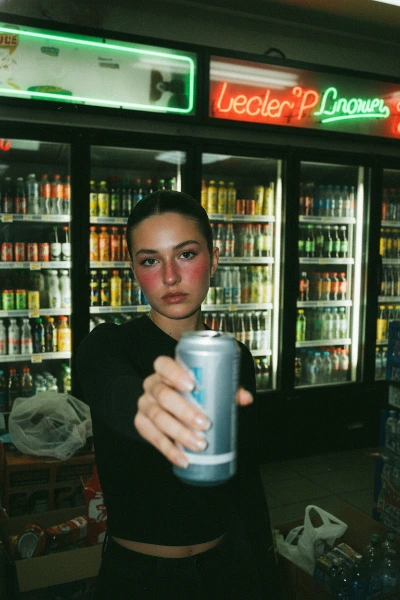
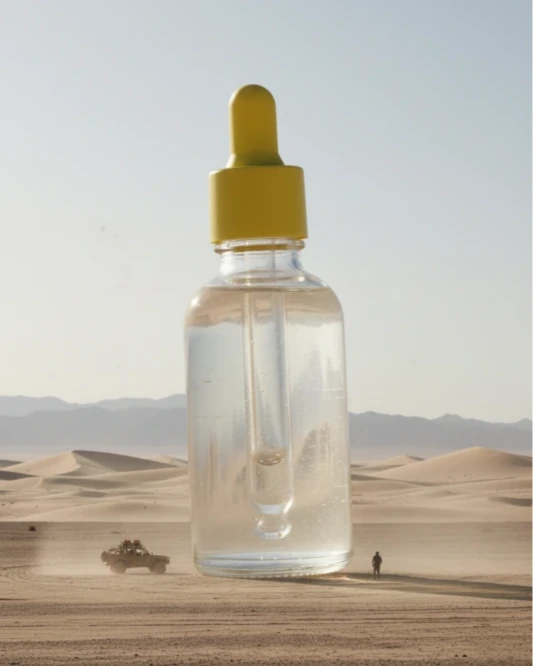
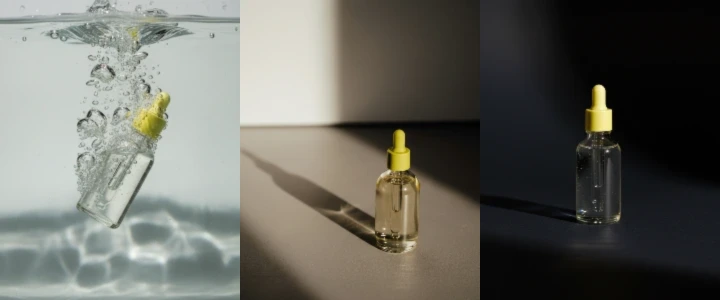
Generate campaign images, finish them on a real canvas, and turn the process into a workflow you can rerun for every launch.
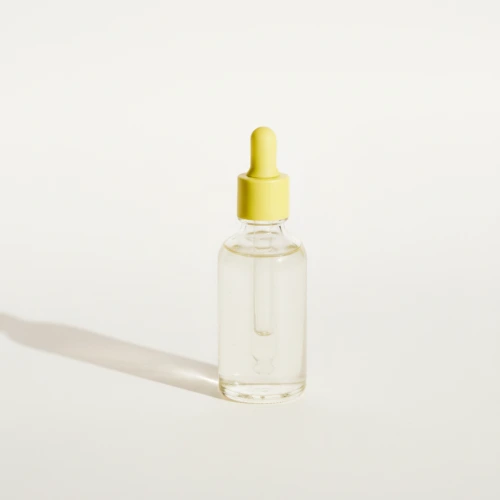 Source image
Inside PxlBench
Create from a prompt or reference image.
Finish, clean up, and add text.
Connect reusable text, image, and video nodes.
The toolkit
Generate with the best models, refine with real editing tools, and ship files that are ready for the channel they're going to.
Nano banana, Flux, Seedream. Switch models without switching tools.
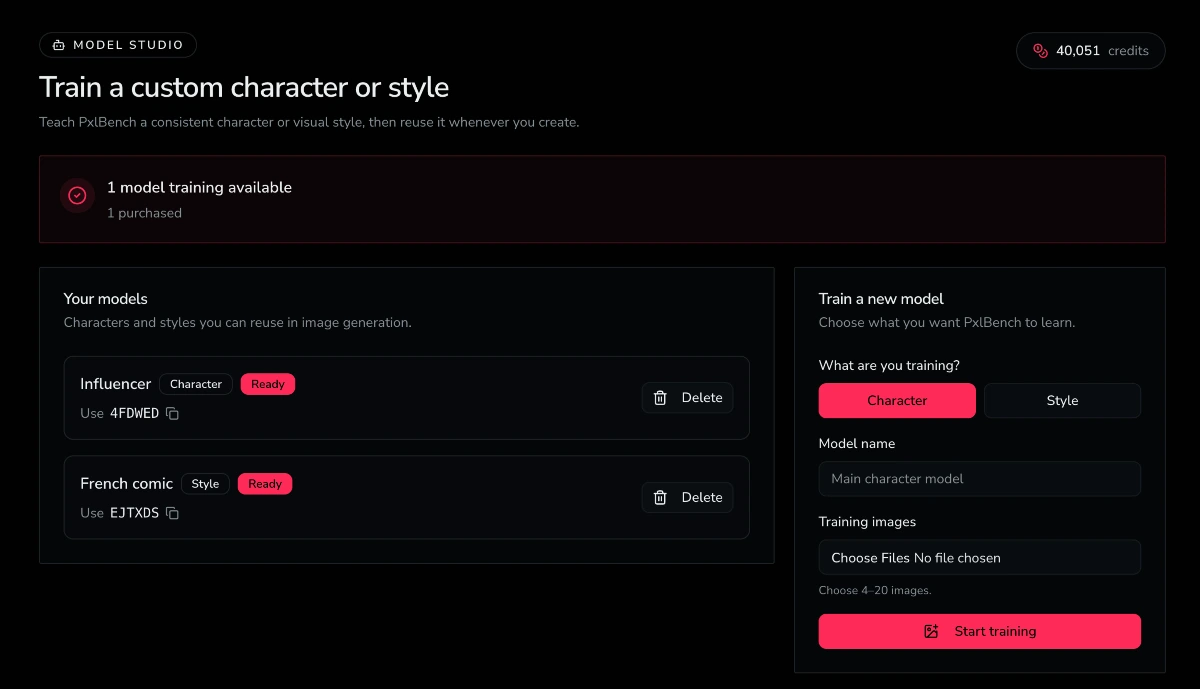
Consistently generate characters and styles with LoRA training.
Turn stills into video cutdowns with image-to-video models.
Upscale, remove backgrounds, export at the right sizes.
Repeat what works
Connect text, image, and video nodes, then rerun the workflow with new inputs.
One product photo → three campaign-ready images.
Product photos + one style reference → a consistent catalog.
One person + outfit photos → a consistent lookbook.
Empty room photos → staged listings in one shared style.
Know before you create
Straight answers about ownership, custom models, workflows, and credits.
Simple pricing
Full commercial ownership is included with every plan. Choose a monthly allowance or purchase credits as you go.
Explore the core tools at your own pace.
For regular projects and individual creators.
For high-volume professional creation.